
Know your market. Run your own race.

How to outsmart your competitors with AI

Watch competitors too closely and you start copying them. Ignore them and they catch you off guard. Guy Franklin shows how to stay aware without reacting to every move. Start with one sentence and a website, check what AI gets wrong, build a report you could hand to your team, then see how to set up a monthly email.

Runs on public information onlyFree ChatGPT or Claude account to follow alongOne-page report, options not imitation

BusinessAI Lunch & Learn · Wednesday 4 November 2026 · 12 to 1pm AEDT · Presented by Guy Franklin and Brandon Burns

What to expect

What to expect

A quick preview of what we'll cover in the session.

Session recording

Replay coming soon

The full session replay goes here once it's up.

What you see us build

From one sentence to a useful report

About 33 minutes of live content, then Q&A in a 45-minute session on Microsoft Teams. No technical skills needed. Find competitors, steer the research, make it one page and set up a monthly check. The booked room remains 12 to 1pm AEDT.

  1. 1

    Find them

    Start with one sentence and your website. AI finds possible competitors and tells you what it assumed.

  2. 2

    Check it

    Check the sources and correct the picture using what customers compared, why they chose you and why you lost a sale.

  3. 3

    Make it one page

    Compare three competitors on 5 to 7 things customers weigh up. Finish with options, including doing nothing.

  4. 4

    Keep it current

    Set up a monthly email in a scheduling tool. React, Note or Ignore, without copying every competitor move.

An illustrative landscape supply example

A landscape supply business sells retaining wall and paving products to builders, landscapers and homeowners. AI might suggest the obvious local yards, but also a hardware trade desk, online suppliers or alternatives. These are possibilities to check, not confirmed competitors. Guy's live demo will show how to test the fit.

Illustrative landscape supply yard with paving, retaining wall blocks and aggregate bays

Possible competitors to check

Who
The other two local supply yards
Why they might be missed
The obvious starting point
Why to investigate
Direct, same product, same postcode
Who
A national hardware chain's trade desk
Why they might be missed
"They're not a specialist"
Why to investigate
Same budget, same job, wins on convenience
Who
An online-only paving importer
Why they might be missed
"They're not local"
Why to investigate
Delivers to the same suburbs, undercuts on price
Who
A landscaper who buys direct and marks up
Why they might be missed
"They're a customer"
Why to investigate
On some jobs they take the whole supply spend
Who
Concrete and asphalt contractors
Why they might be missed
"Different trade"
Why to investigate
The homeowner picks one surface, not both
Who
DIY, the customer's own weekend
Why they might be missed
"That's not a business"
Why to investigate
The most common reason a quote goes nowhere

Your hosts

Presented by

Guy Franklin, CEO & Portfolio Director, Empire One

Guy Franklin

CEO & Portfolio Director, Empire One

Guy leads the live demo. He has over 20 years of experience building technology startups, leading corporate innovation, and investing in and advising early-stage companies. He oversees strategy, performance and new business development across the Empire One portfolio.

Brandon Burns, Head of Experience, BusinessAI

Brandon Burns

Head of Experience, BusinessAI

Co-presenting. Runs the setup on screen and the room.

What you'll get out of it

What you'll get out of it

A clearer picture of your market.

Find competitors you hadn't considered, fix the ones AI gets wrong, and decide which three matter most.

One page you can hand to your team.

A plain-English comparison with sources, honest gaps and two or three options for action, including doing nothing.

A check that fits your business.

Know when to check, see how a monthly update can reach your inbox, and take away all four prompts ready to paste.

Do's and don'ts

Keep it safe. Keep it useful.

Do

  • Use public information and click the source before acting on a claim.
  • Check whether AI describes your business correctly, and correct its assumptions.
  • Bring what only you know: customer comparisons, reasons you won and reasons you lost.
  • Focus on three competitors and 5 to 7 things customers actually weigh up.
  • Use Strong, Mixed, Weak or Not found. Missing evidence is not a reason to guess.
  • Choose your own response. React, Note or Ignore can all be sensible calls.

Don't

  • Don't copy a competitor just because AI spotted something they do.
  • Don't accept generic marketing advice as competitive analysis.
  • Don't confuse a plausible answer with a verified fact.
  • Don't log a bot into private accounts or work around blocked websites.
  • Don't track individual people. Keep the research about businesses.
  • Don't default to daily or weekly alerts. Quarterly is usually enough; monthly doesn't hurt. Go weekly only if you're in a real race.
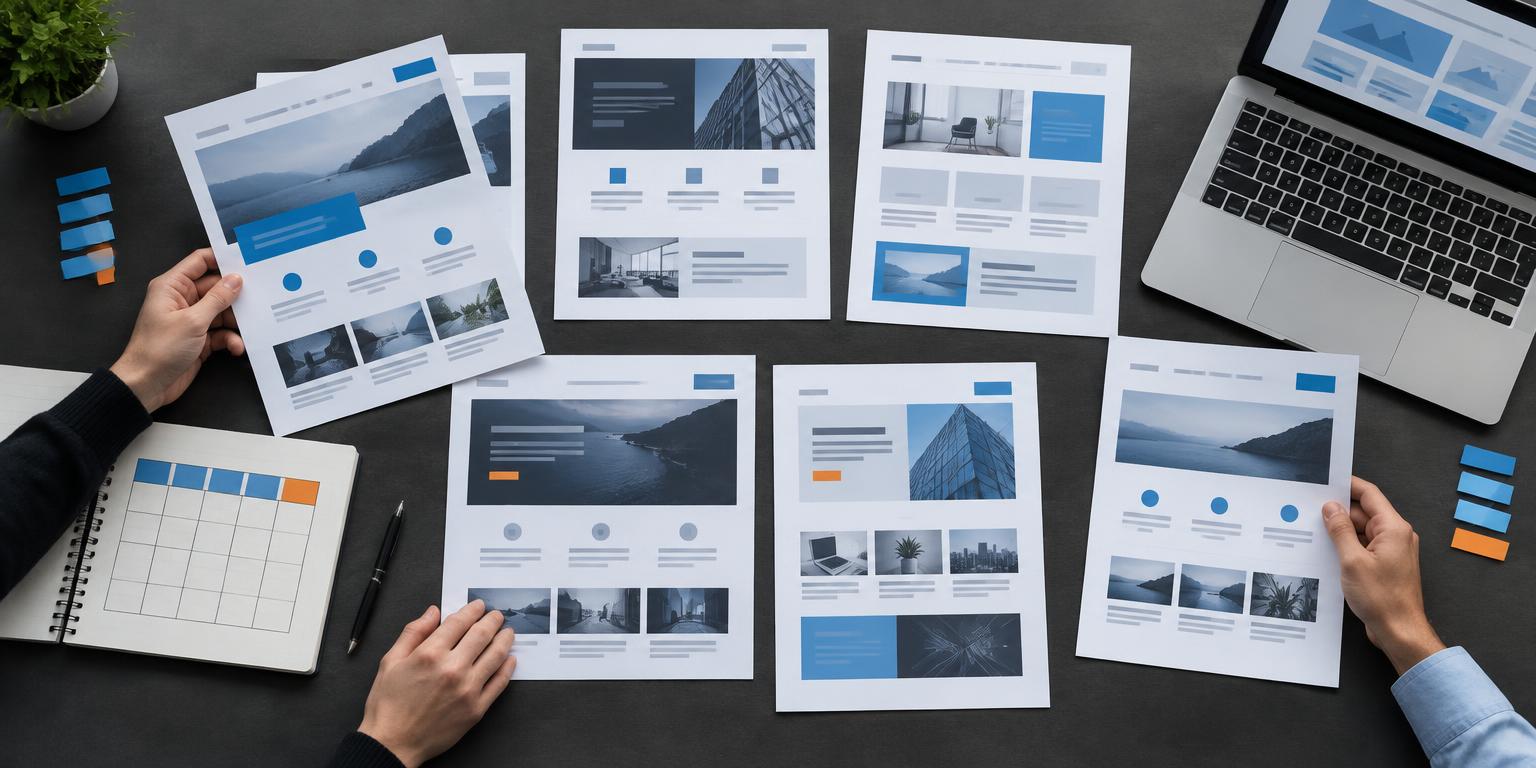
Illustrative competitor research with website comparisons and a tracking notebook

The prompts and the setup

Two scenarios. Start where you are.

Before you start

  1. 1

    Open ChatGPT or Claude. A free account lets you follow along with the research. Nothing to install.

  2. 2

    Turn web search on. Have your business website ready. If you already know your competitors, bring their website links too.

  3. 3

    Choose your starting point. Scenario 1 finds competitors; scenario 2 compares the ones you already know. Swap the brackets for your details. An AI with your business documents gives the best result, but a project isn't required.

Scenario 1: find them

Start here if you don't know who your competitors are, or want to uncover more.

Prompt 1: start with one sentence

Start a chat with web search onprompt
I want to do a competitive analysis of my company [your website]. Don't ask me questions first: make sensible assumptions, tell me what they were, and keep it all in this chat.

Read it before moving on. Is it right about you, is it really about competitors, and is it telling you to copy? Click the sources. Correct the assumptions. Note a competitor's move without automatically reacting.

Prompt 2: make it one page

Paste into the same chatprompt
I'm not sure who my real competitors are, but I know my customers. Before you shrink this, ask me three short questions only I can answer: what customers compared us with before they bought, why they chose us, and why we've lost a sale. Wait for my answers.

Then cut this down to one page I'd read in two minutes:
1. The three competitors that matter most, and why.
2. How we compare: one table of the 5-7 things customers weigh up, rated Strong, Mixed, Weak or Not found.
3. Two or three options for action, including doing nothing. Don't suggest copying a competitor.
Leave out general business advice. Cite a source for each fact and write "not found" rather than guessing.

Answer the three customer questions first. Keep the finished one page: it's the baseline for your next check.

Scenario 2: watch them

Go straight here if you already know who your competitors are. Build your one page, then keep it current.

Prompt 1: see where you stand

Start a new chat with web search onprompt
I want to keep an eye on these competitors: [competitor website], [competitor website], [competitor website]. My business is [your website].

Give me one page I'd read in two minutes:
1. How we compare: one table of the 5-7 things customers weigh up, rating us and each competitor Strong, Mixed, Weak or Not found.
2. For each competitor, one line on what they do well and one on where they're weak.
3. Two or three options for action, including doing nothing. Don't suggest copying a competitor.
Cite a source for each fact and write "not found" rather than guessing.

Already know your competitors? Start here. If you've completed scenario 1, use those three competitors and your one-page report as context.

Prompt 2: keep it current

Paste into your scheduling toolprompt
Set this up as a monthly scheduled task, on the first Monday of each month, and email me the result. Use the one page I've pasted below: it has our business, our competitors and how we compare.

Each month, search for anything those competitors changed in the last month, and for any new businesses that have started competing for our customers. Send me a short email:
- A one-line headline. If nothing important changed, say so.
- One line per change: the competitor, what changed, the source link and our call: React, Note or Ignore.
- New entrants: one line each, with what they offer and the source link. If there are none, say so.
- Options, only if something needs a response, including doing nothing.
Keep it under 250 words.

[Paste your one page here]

Scheduling needs Claude Cowork or a similar agent. Otherwise, set it up as a Zap. Copy your one page from the chat and paste it into the prompt. Confirm the email destination and schedule, then test a run before relying on it. Without scheduling, save a calendar reminder and run the check yourself. Stuck? Talk to the BusinessAI team.

Before you act

Before you act on anything

  • Check anything important with your own eyes before you act on it. AI reads the web, and the web is sometimes out of date or plain wrong.
  • Public information only. Don't log in anywhere you're not meant to be, and don't try to get around a site that blocks automated reading.
  • Businesses, not people. A publicly announced hire is fine. Following an individual is not.
  • If you're reaching out to partners off the back of this, the Spam Act 2003 still applies. Business contact details that are published for that purpose, a clear identification of who you are, and a way to opt out.
  • This is general information, not legal advice.

Sample files

Three starters to take with you

The four session prompts

Both scenarios, all four prompts and the follow-along notes in session order.

Download text file

The one-page comparison worksheet

Three competitors, 5 to 7 customer factors, source links and options for action.

Download text file

The monthly check tracker

Changes, new entrants and your call: React, Note or Ignore.

Download text file

What customers weigh up

What customers weigh up, and where each one comes from

Customer factor
Offer fit
Where to check
Public product and service pages
Question to answer
Does it solve the job your customer needs done?
Customer factor
Price and inclusions
Where to check
Published prices, packages and guarantees
Question to answer
What does the customer get for their budget?
Customer factor
Availability and delivery
Where to check
Published lead times and service areas
Question to answer
Can they deliver when and where the customer needs it?
Customer factor
Reputation
Where to check
Public reviews and testimonials
Question to answer
What do customers consistently praise or question?
Customer factor
Experience and proof
Where to check
Case studies and published credentials
Question to answer
What evidence supports their claims?
Customer factor
Support and service
Where to check
Public support, returns and aftercare policies
Question to answer
What happens after the customer buys?

These are starting points, not a fixed checklist. Pick 5 to 7 factors that matter to your customers. Rate your business and each competitor Strong, Mixed, Weak or Not found. Cite a source for every fact; leave out generic business advice.

Choose your cadence

Keep it current, without overreacting

Illustrative business team reviewing a competitor comparison report

01

Choose the pace

Quarterly is usually enough. Monthly doesn't hurt. Go weekly only if you're in a real race.

02

First Monday

The demo sets a monthly task: check changes and new entrants against your saved one page, then email fewer than 250 words.

03

Check the source

Open the source behind any important change. If nothing important changed, a short headline is enough.

04

Make your call

React, Note or Ignore. Consider options only when a response is needed, including doing nothing.

Illustrative examples

What you might look for in your business

A landscape supply business

Compare delivered price, product fit and lead times. An online supplier may serve the same customers even without a local yard. Check its delivery area before including it; faster delivery could be an option instead of matching price.

A disability support provider

Compare service areas, availability and published experience. A cluster of public job ads might suggest expansion, but it is not proof. Check the source and note the signal rather than jumping to a conclusion.

An outdoor living and blinds retailer

Compare installation timeframes, aftercare and repeated review themes. Customer complaints can point to a gap worth checking. Choose a response that fits your strengths, including doing nothing.

The BusinessAI team in the office

“Bloody hell. I wasn't expecting to feel this confident, this soon, using AI in my business.”

Business Owner, Outdoor Living & Blinds Retailer

“I was pretty impressed. If you think about it, that's probably tens of thousands of dollars and 2 to 3 months of agency work, done in about 2 and a half hours.”

Director, Home Improvement & Construction

What you can and can't track

Straight answer on what this can and can't do

Public sources to research
Websites, pricing pages, service pages
Check manually or mark not found
LinkedIn company pages and posts. LinkedIn blocks automated reading, so you look yourself and paste what you see
Public sources to research
Job ads on their site and on Seek
Check manually or mark not found
Meta Ad Library and Google Ads Transparency Centre. Both free and public, both too heavy for a search to read reliably
Public sources to research
Public blogs, news, media mentions
Check manually or mark not found
Anything behind a login, a paywall or a members area. Not accessible, and not worth trying
Public sources to research
Google reviews and public review sites
Check manually or mark not found
Private pricing that only goes out by quote
Public sources to research
Partner pages, case studies, client logos
Check manually or mark not found
Anything a competitor hasn't published

Web search can miss pages or return stale information. Research in a chat is not an automatic email service. Scheduling needs Claude Cowork or a similar agent, or a Zap. Confirm access, email delivery and the first-Monday schedule with a test run.

At a glance

The session in numbers

2

Scenarios: find them or watch them

4

Ready-to-paste prompts

3

Competitors that matter most

1 page

A report to read in two minutes

Monthly

First-Monday email demonstrated

45 min

About 33 minutes of content, then Q&A

Ask a question at any time

Ask a question anytime below and we'll respond ASAP.

Live

Questions from the room

Asked 0 · Answered 0 · Waiting 0

Past sessions

Every session so far

Every Lunch & Learn we have run, with the workbook page for each one. Free to use, no sign-up.

From the weekly AI Deal Room

See every session on the channel

Straight from our Weekly Q&A

Questions we get every week

On marketing

Use AI for hyper-personalised outreach and to query your ad performance in plain language, so you're not relying purely on an agency for insight.

On security

Turn off delete permissions on connected tools and use Claude's approval workflow, so nothing happens without a review first.

On automation

Record a repetitive task once as a Claude skill, then just say "do the thing" and Claude runs the whole workflow from there.

The BusinessAI team standing together in the office

Meet the team

The people behind BusinessAI

Portrait of Aaron Sansoni, Founder at BusinessAI

Aaron Sansoni

Founder

Portrait of Rhys Henderson, Chief Executive at BusinessAI

Rhys Henderson

Chief Executive

Portrait of Charlotte Hall, VP People & Performance at BusinessAI

Charlotte Hall

VP People & Performance

Portrait of Arsedian Ivan, Director of AI & Product at BusinessAI

Arsedian Ivan

Director of AI & Product

Portrait of John Mayers, Director of Consulting at BusinessAI

John Mayers

Director of Consulting

Portrait of Fergus Lundy, Director of Sales at BusinessAI

Fergus Lundy

Director of Sales

Portrait of Brandon Burns, Head of Experience at BusinessAI

Brandon Burns

Head of Experience

Portrait of Josh Telford, Senior AI Strategy Consultant at BusinessAI

Josh Telford

Senior AI Strategy Consultant

Portrait of Marty Astbury, AI Strategy Consultant at BusinessAI

Marty Astbury

AI Strategy Consultant

Portrait of Brayden Tayler, Technical Product Manager at BusinessAI

Brayden Tayler

Technical Product Manager

Portrait of Mariella Liezl Perez, AI Engineer at BusinessAI

Mariella Liezl Perez

AI Engineer

Portrait of Brendan Coyne, AI Growth Partner at BusinessAI

Brendan Coyne

AI Growth Partner

Tim Ahern

AI Growth Partner

Pick three competitors and start this week

Don't know your competitors yet? Start with scenario 1 and your website. Already know them? Start with scenario 2. Check the sources, save your one page, and choose whether to React, Note or Ignore. If you'd like a hand, talk to the BusinessAI team.